How browser games work
A browser game loads from a web address and runs in the same program you use to read news or watch video. Many of them talk to a server while you play, and the files they need load when you open the page or come from your browser cache. Since nothing is installed, a computer with a current browser can usually open the same game.
The price of that convenience is a connection. Some browser games cannot run offline at all, and others keep your whole save on their servers. That makes the checklist in the next section worth reading.
Free browser games: four things to check first
Saving comes first. Find out whether progress is stored on the game server or only inside your browser, because clearing browser data can wipe a local save. Next comes the account: some titles let you start at once, others want an e-mail address before the first screen.
Then look at devices. A site that works on a laptop may be awkward on a touch screen, and a game with its own app may support only one phone system, so read the game page for a list of supported devices. Last, find out whether the game is single player or shares a world with other people, because a shared world brings chat, moderation and sometimes attacks from strangers.
Do not forget the money side. If a game offers purchases, look for a fixed price list, for odds shown before a random draw and for a way to cap your own spending. Crownforge offers a 30-day spending limit that you set yourself, and it runs no ads and no third-party tracking.
Browser games with no download: the kinds you will meet
Puzzle and card games are the simplest to open and close. Arcade and platform games ask for quick reactions. Idle games let a counter grow while you are away. Strategy and city building games ask you to plan, manage resources and wait for upgrades.
Some of them are single player from start to end. Others put you in a shared world, and that is where the account and moderation questions above start to matter.
The same label can cover very different games. Two strategy titles may share a genre yet differ in whether they let strangers attack you, whether they run in real time or whether they need you to be online at fixed hours, so read a game page for those details before you invest time.
Crownforge as a browser strategy game
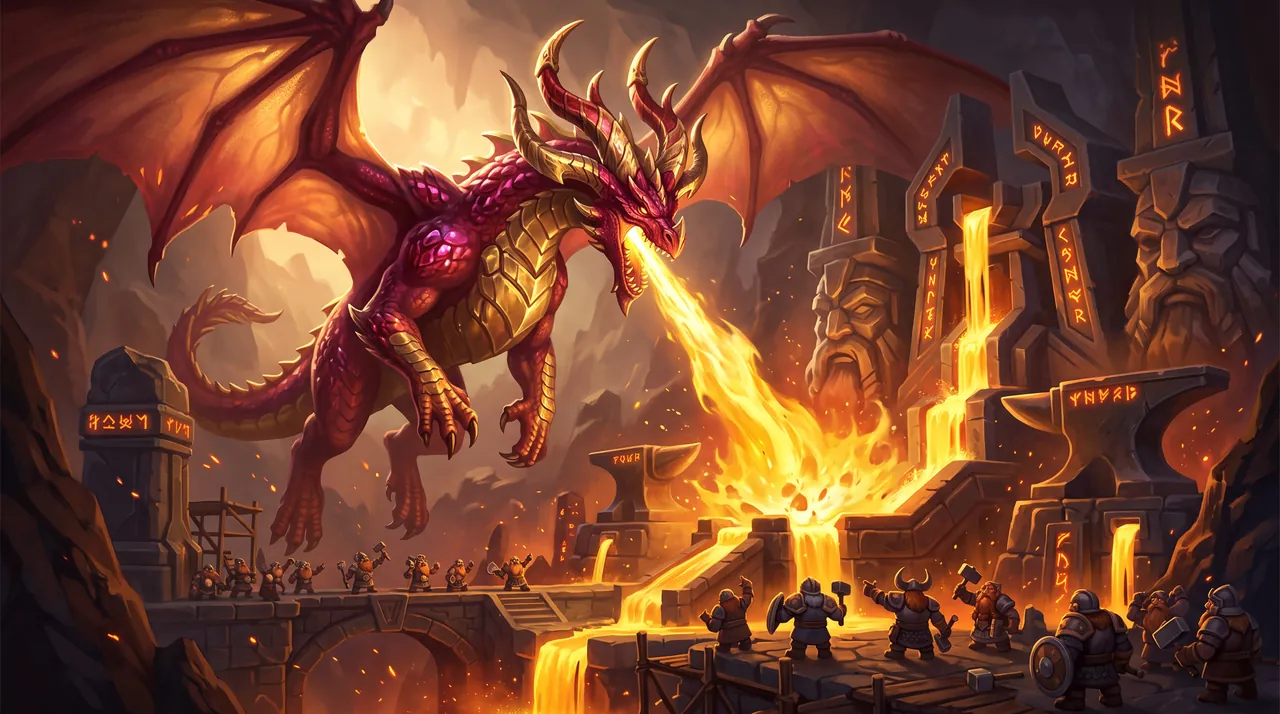
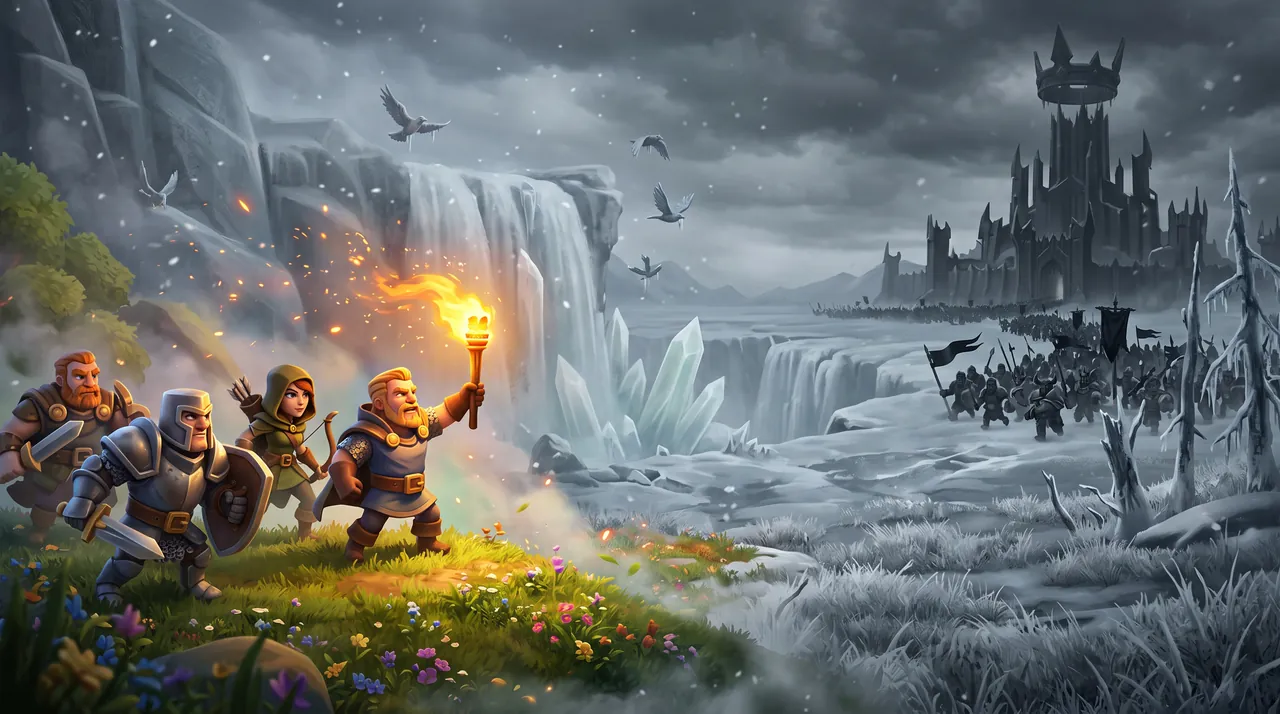
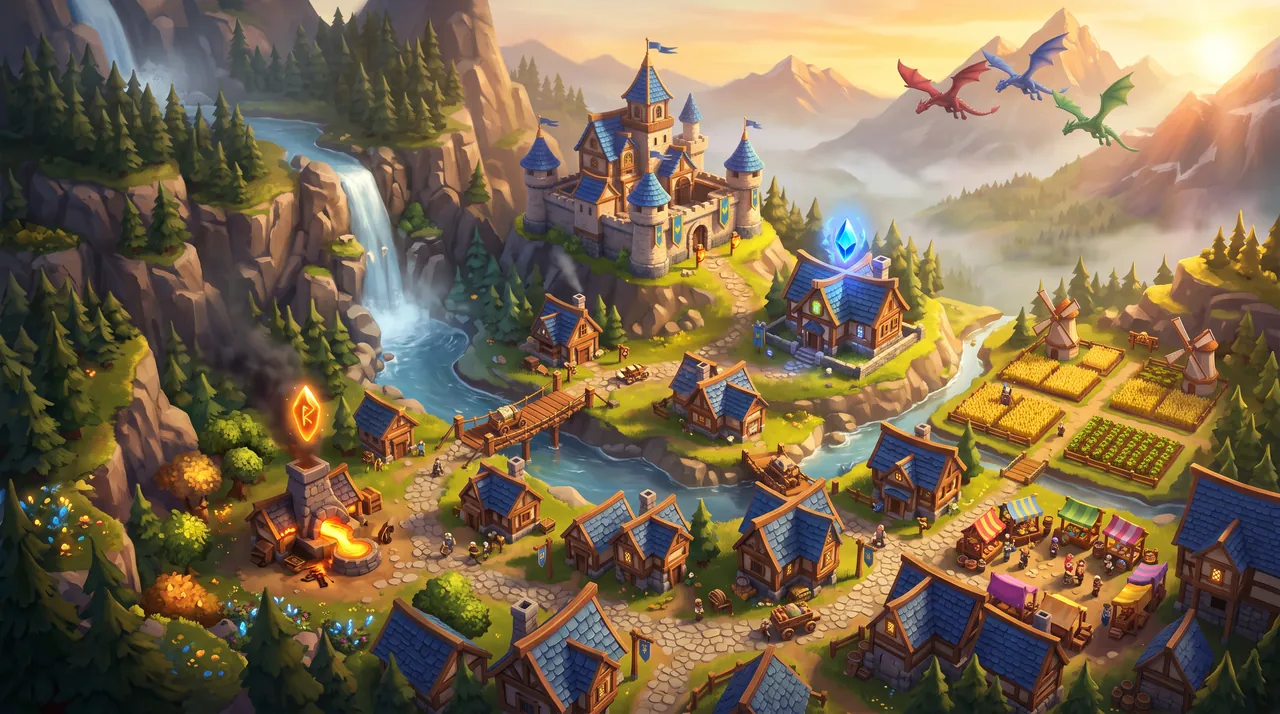
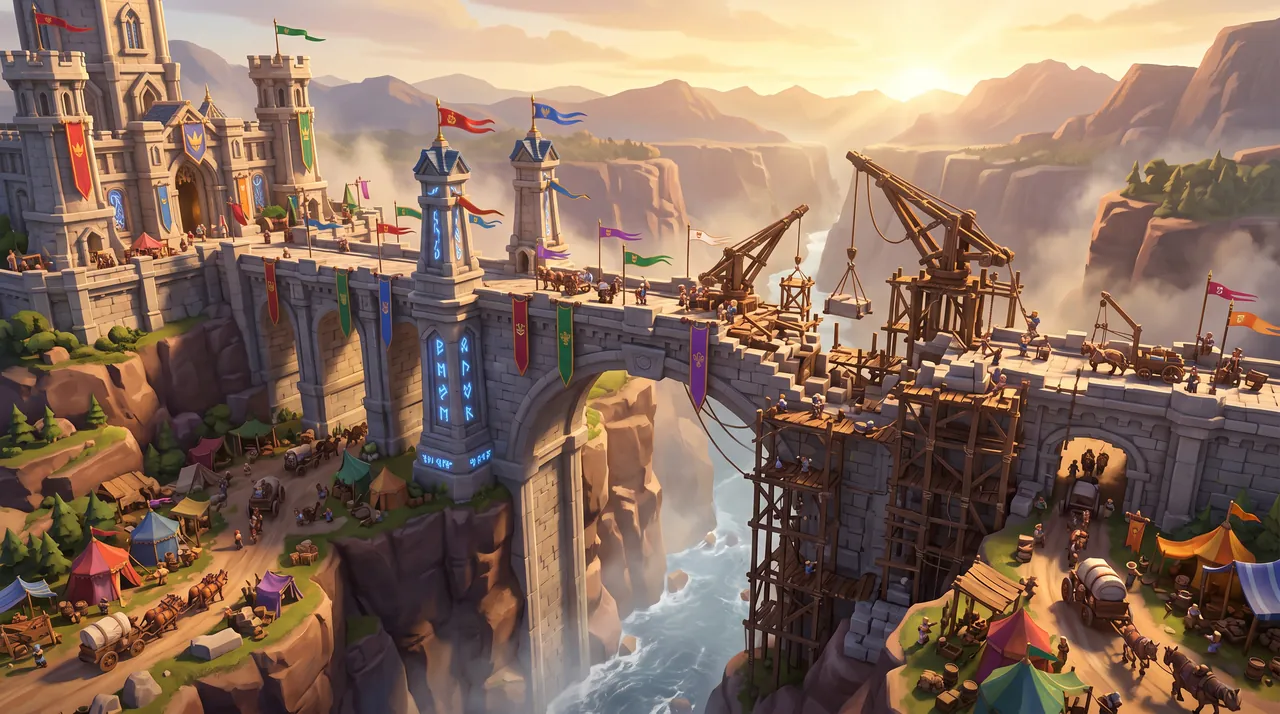
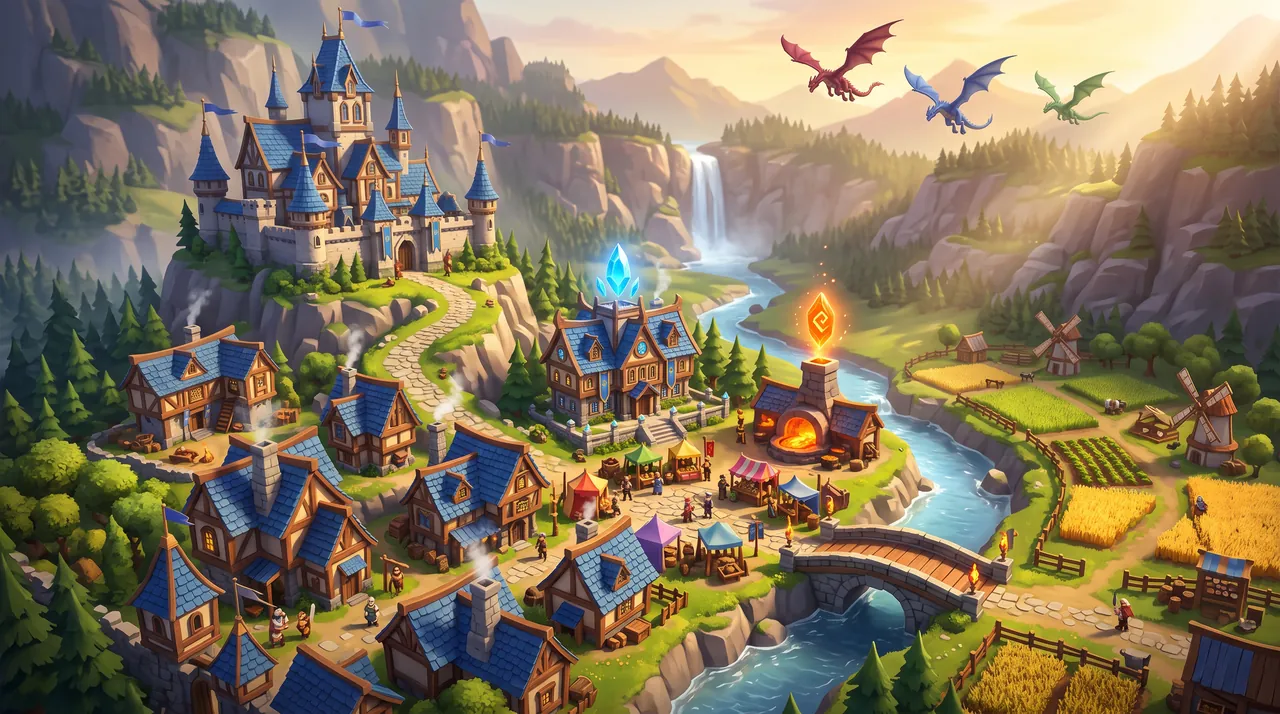
Crownforge is a fantasy medieval kingdom game that mixes city building and tower defense. It is made by Vision Software 4K, an independent studio from Poland. The browser version is playable today and is free to start, and it is in open beta, so balance and screens still change.
You grow a castle with a farm, sawmill, quarry, mine, forge, marketplace, Academy, Tavern and Mage Tower. Production keeps running for up to 12 hours while you are away, and the game needs an internet connection at all times.
How Crownforge answers the four checks
Saving and account: a guest start is available, and e-mail or Google can protect your save afterwards. Devices: one account covers phone, tablet and browser, and an Android app is planned for 1 December 2026, with pre-registration open on Google Play now. There is no iOS app.
Shared world: alliances take up to 30 rulers and chat is moderated. Strangers cannot raid your town either, because the game has no player versus player combat for now. Alliance wars for the province carry a coming soon label.
How to start
Open the Crownforge site in a current browser and pick guest start. No installer is involved. Menus come in English, Polish, German, French, Spanish and Swedish, and the game is rated 13+.
When you compare other browser games, run the same four checks on each one and write down the answers. A few minutes of reading usually saves an evening spent on a game that does not fit.