Tower defense on a phone
Tower defense suits a touch screen. Placing a tower is a tap, and watching a wave takes only your eyes. That is why the genre has so many mobile titles.
Most of them come from an app store. They need an install, and some ask for payments or show ads.
Tower defense games mobile players download often come with timers. The game tells you to wait for energy, or to watch an ad for a bonus. That friction is the thing to look out for.
Tower defense games android: apps and browsers
A search for tower defense games android usually leads to the store. There is another route: a game in the browser opens on any phone that can load a web page, and it needs no space for an app.
The trade is that a browser game depends on the page being available, and it saves progress in the browser. That is worth knowing before you invest time.
Many players also search for tower defense games android because they want something light. A browser game needs no install from a store.
Crownforge Defender on your phone
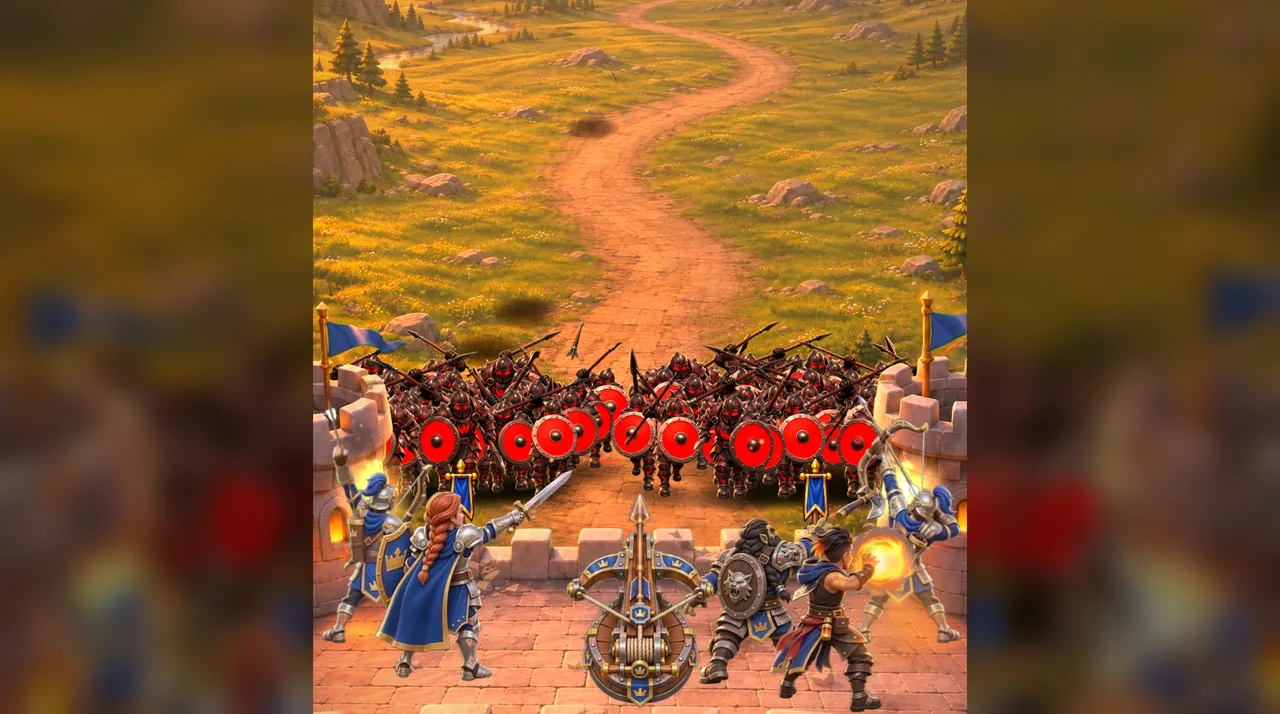
Crownforge Defender is a castle defender. It is not an app. There is no Android app and no iOS app. You open defender.thecrownforge.com in your phone's browser and play.
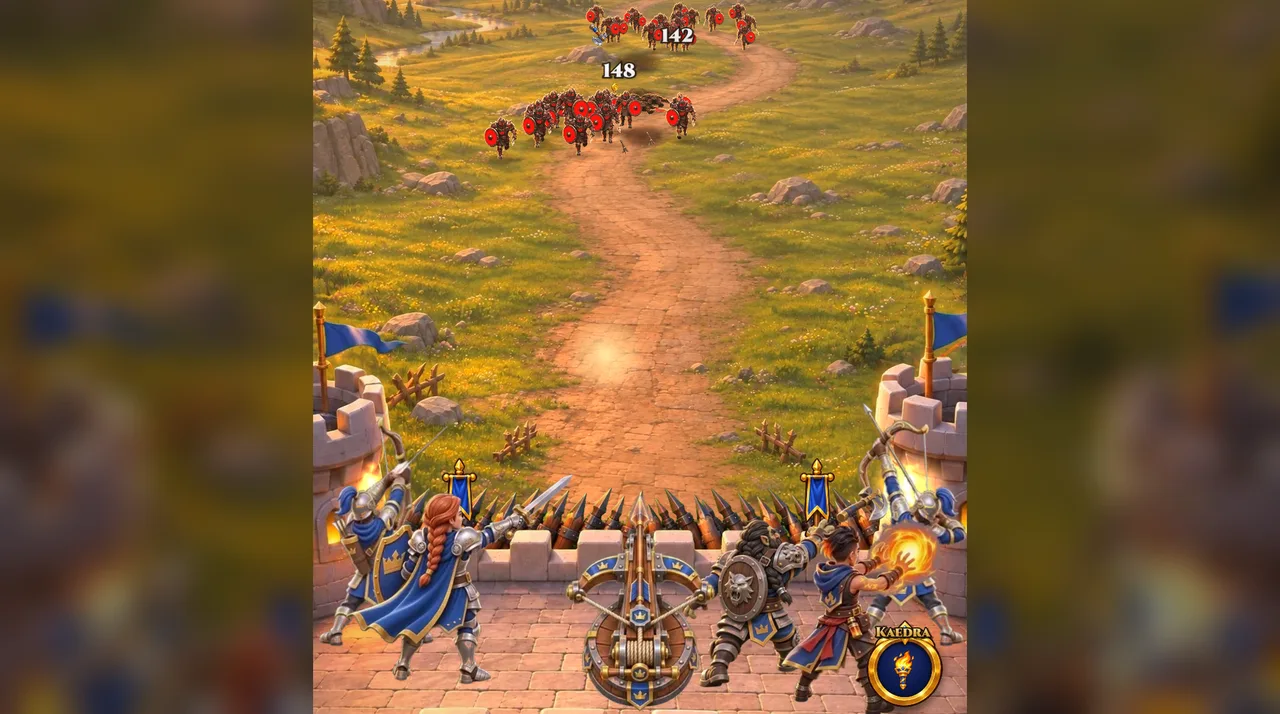
It is built in portrait view, so a phone held upright shows the whole wall. You aim the ballista with your finger and hold to fire. It is also not a path tower defense. You defend one wall and place no towers.
Because it runs in the browser, it works on a computer as well, with mouse aim. The same page serves both.
What you do in a battle
Enemies come in waves and attack the wall. Tapping the ammunition crate opens a wheel with 4 ammunition types, and time slows to 0.3 while it is open. Between waves you pick 1 of 3 cards.
Crossbowmen, pikemen and priests fight on the wall, and six heroes bring abilities. A battle lasts about 3 to 5 minutes.
Heroes show their abilities as rings on the screen, and the ammunition crate sits beside the ballista.
What to look for in tower defense games mobile
Check how the game treats your phone. Does it need an install, an account or a constant connection? Check how touch controls feel and how precisely you need to place things.
Check the cost. Crownforge Defender has no energy, no payments and no ads. Check also whether it keeps your progress. It saves locally in the browser and offers an optional cloud save.
Tower defense games mobile players try should say plainly what they need. Crownforge Defender needs a browser and nothing else.
Start on your phone
Open the page, begin stage 1-1 with 4 waves and aim with your finger. Spend the gold after the battle on the ballista, the wall and the crew.
The game has 300 stages in 2 kingdoms. The castle collects gold for up to 8 hours while you are away.
Esc or P pauses on a computer. The cloud save is optional, and progress is kept in your browser.