Tower defense on a computer
A computer gives tower defense a precise pointer and a large screen. That helps with placing towers and with reading a crowded field. It is also why many castle defense games PC players like use the mouse for aiming.
Games for the computer can be installed from a store, or opened in a browser.
Tower defense games PC fans often like long campaigns. Crownforge Defender has 300 stages in 2 kingdoms, and the second kingdom opens after stage 1-150.
Castle defense games PC: install or browser
An installed game can be larger and may work offline. A browser game opens at once and needs no install. Neither is better, and the choice depends on what you want to do today.
If you want to test a game before you commit, a browser game is an easy first step.
A browser game also leaves no program on your drive, so there is nothing to uninstall later.
Tower defense games PC lists often mix paid and free games, so check the price before you commit.
Crownforge Defender on PC
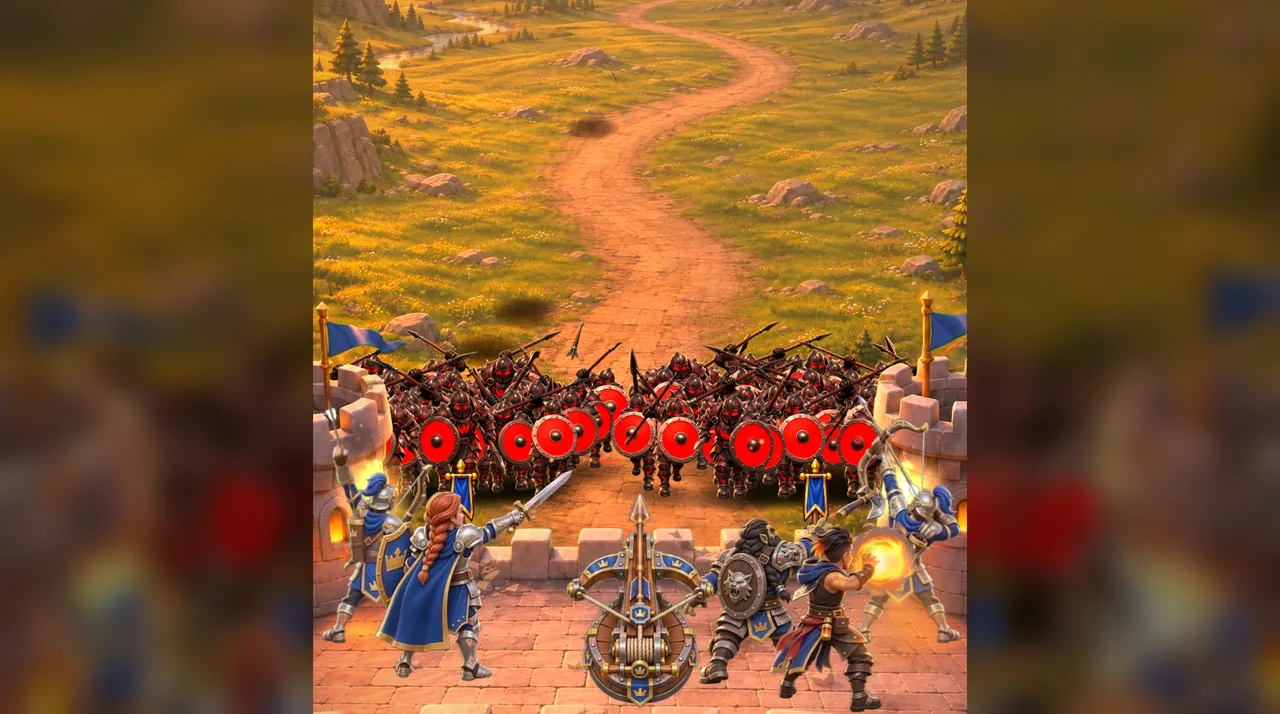
Crownforge Defender is a castle defender at defender.thecrownforge.com. On a desktop you aim with the mouse and hold to fire. It is a portrait game, so it appears as a tall view in a browser tab. There is no Steam release and no download.
It is not a path tower defense. You defend one wall with a ballista, and you place no towers.
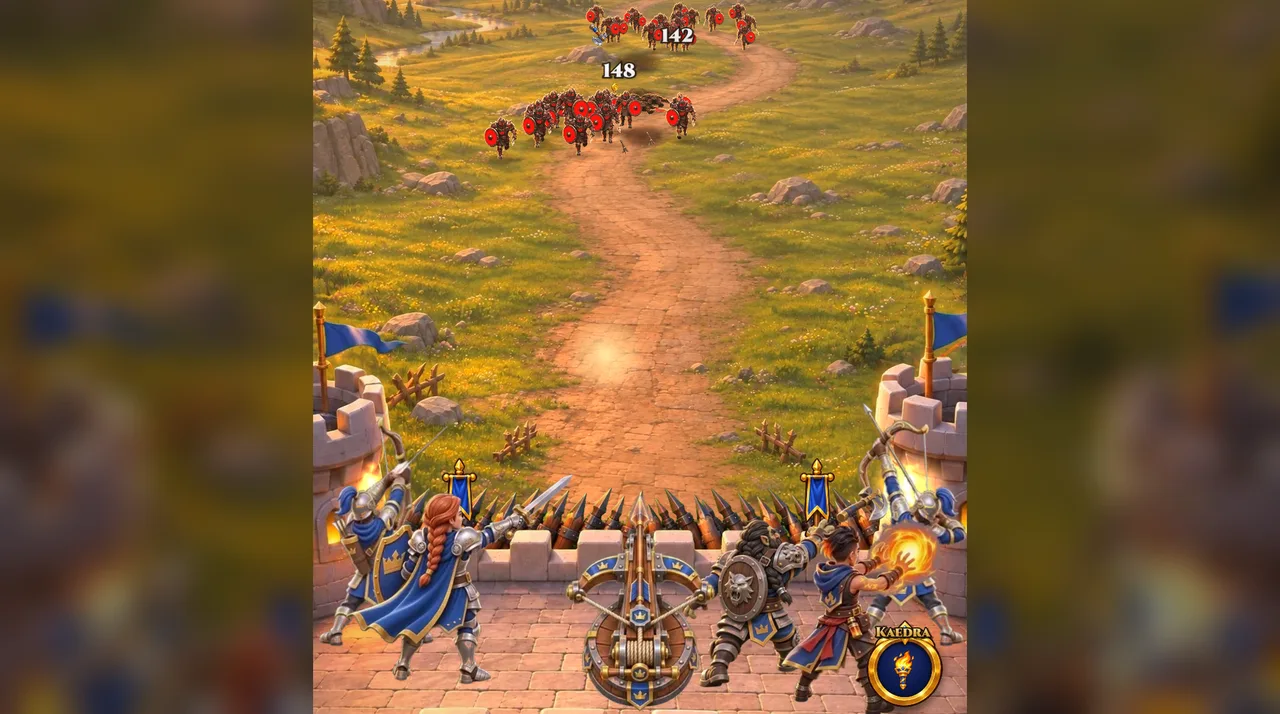
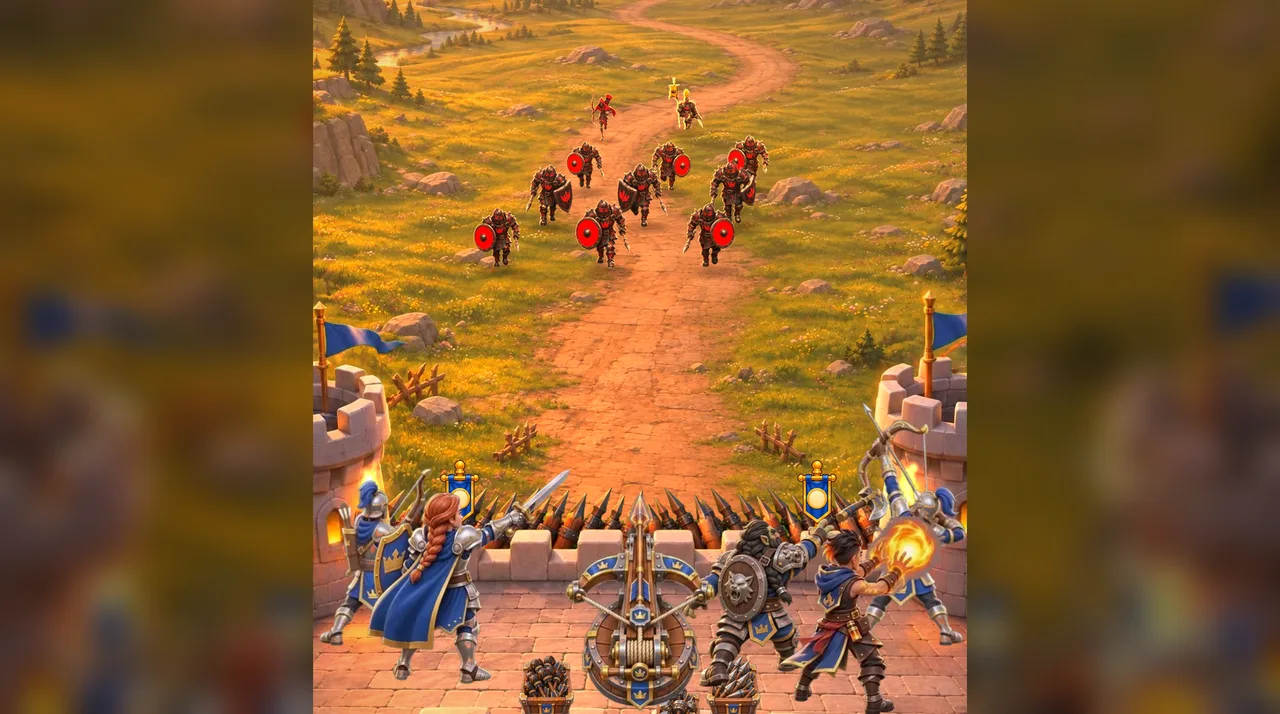
Seen from behind the wall, the view is three quarter. Enemies come across the field toward you, and the wall is at the bottom of the screen.
Aiming with the mouse
The bolt flies in an arc and pierces ranks, and weak spots take critical hits. You can set the aim as a direction ray or as a point. Esc or P pauses the game.
Four ammunition types sit on a wheel that slows time to 0.3. Crossbowmen, pikemen and priests fight on the wall, and six heroes bring abilities.
What to look for in tower defense games PC
Check the control model: placement, aiming or both. Check whether the game saves progress and whether it needs an account. Check the cost, including energy timers and ads.
Crownforge Defender saves locally in your browser and has an optional cloud save. It has no energy, no payments and no ads. It has 300 stages in 2 kingdoms.
Tower defense games PC players will find the mouse aim familiar from shooters. It works with a held button.
Try it at your desk
Open the game and start stage 1-1, which has 4 waves. A battle lasts about 3 to 5 minutes, and between waves you pick 1 of 3 cards.
Gold from each battle buys upgrades for the ballista, the wall, the crew and the castle.
The castle collects gold for up to 8 hours while you are away, so the next time you open the tab, there is something to spend. The first kingdom has 15 lands, and the second has 15 more.