Why tower defense browser games work
Tower defense suits the browser. The rules fit on one screen, the controls are a few clicks, and a game can open with no setup. Many people first met the genre in a tab.
That history shapes what players expect: no install, no account wall and a clear first battle.
Browser games are also easy to share. You send a link and a friend plays the same game a moment later with nothing to install. Lists of tower defense browser games are long for that reason, and most of them are path games with towers on fixed spots.
What to check in a free tower defense game
Look at how the game treats time and money. Some free games use energy timers that stop you from playing, or show ads between battles. Others charge for stronger units. A page that tells you plainly what it costs saves you the trial.
Look at the controls too. A game that works with a mouse should also work with a touch screen if you plan to play on a phone.
Read the page before you play. A game that states its price, its controls and its limits up front is easier to trust than one that hides them. Saving matters as well: some browser games keep progress only on that device. Crownforge Defender saves locally in your browser and offers an optional cloud save that asks for your consent.
Tower defense online free: two kinds of game
Most tower defense online free titles are path games. Enemies walk a route, and you build towers on spots along it. The other kind is the castle defender, where you stay on one wall and shoot the enemy yourself.
The difference is control. In a path game you place and wait. In a castle defender you aim, switch ammunition and react to each rank as it arrives.
Both kinds belong among tower defense browser games, and both are valid ways to play. Choose the one that matches how you like to spend a battle: placing and planning, or aiming and reacting.
Crownforge Defender in a browser tab
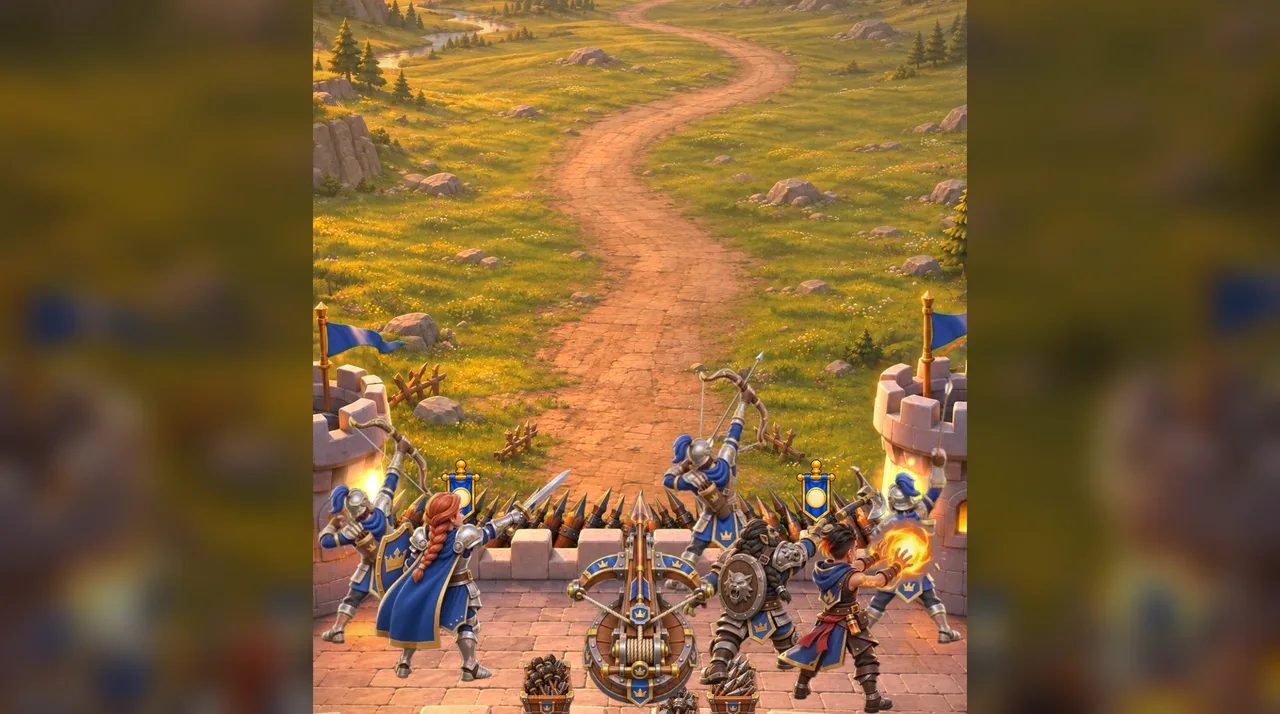
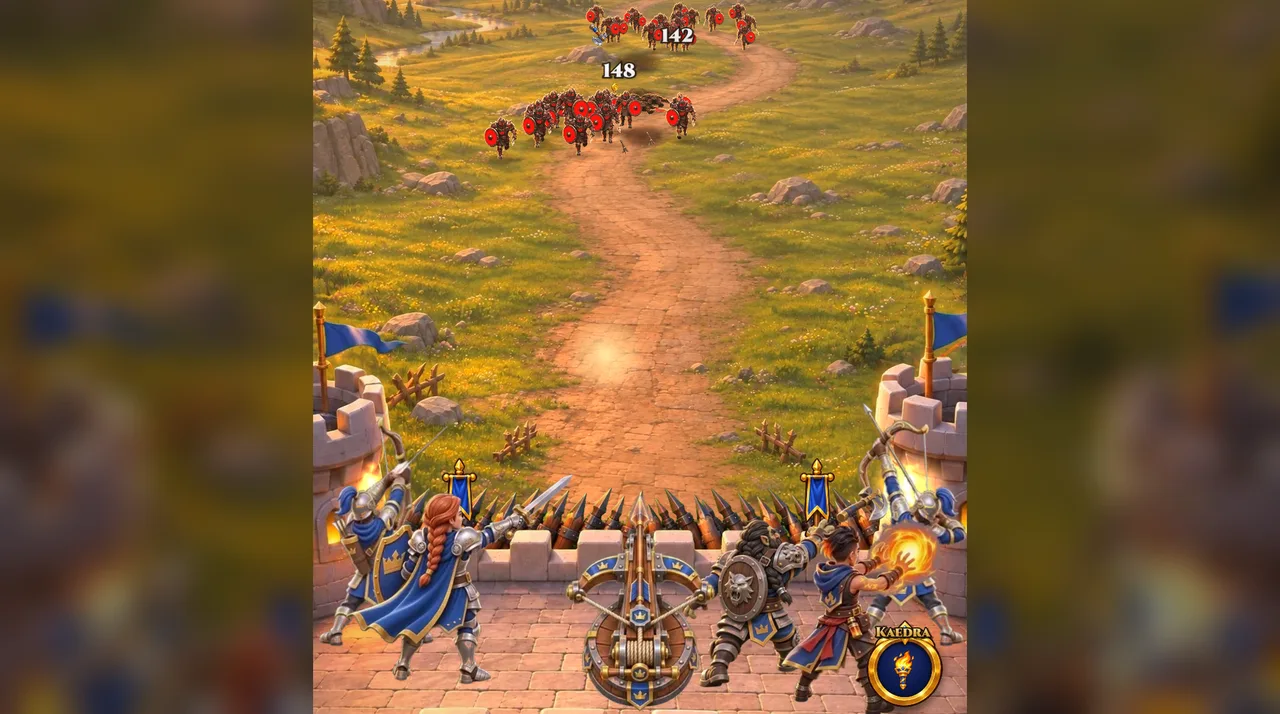
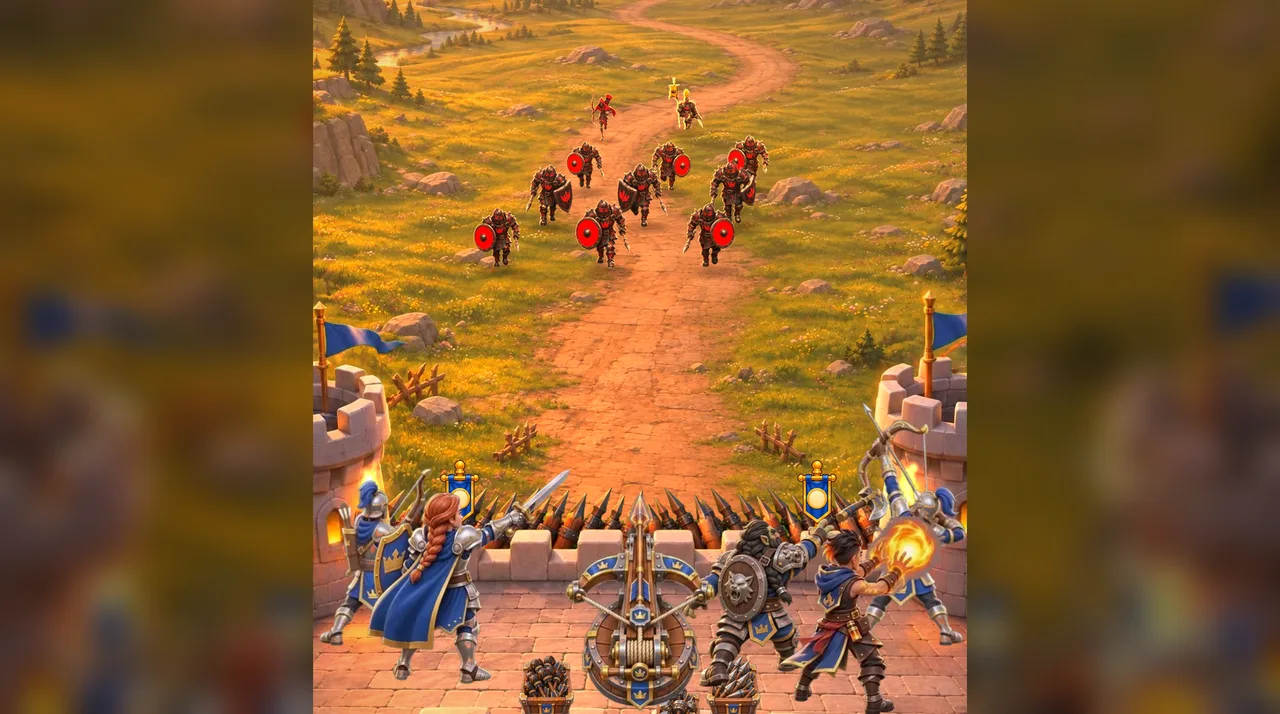
Crownforge Defender is a castle defender that runs in the browser at defender.thecrownforge.com. It is not a path tower defense and you do not place towers. You stand on a wall with a ballista and aim it with a mouse or your finger.
It has 300 stages in 2 kingdoms, 4 ammunition types you switch on a wheel that slows time, and 1 of 3 cards to pick between waves. Bosses have parts that break. There is no download, no account, no energy, no payments and no ads.
What to look for in tower defense browser games
Pick by control style first. Decide if you would rather place towers or aim a weapon. Then check the cost, the controls on your device and whether progress is kept between sessions.
A free game that remembers your upgrades and lets you leave mid-run without losing everything is easier to return to. Crownforge Defender keeps your upgrades and collects gold for you while you are away, for up to 8 hours.
Look at how much game there is, too. Crownforge Defender has 300 stages in 2 kingdoms, which gives a player who likes it a long way to go. For tower defense browser games that is useful to know before you invest your time.
How to start
Open the page and start stage 1-1. Aim with the mouse or your finger, hold to fire, and open the ammunition wheel by tapping the crate beside the ballista. Time slows while the wheel is open.
After the first battle, spend your gold on the ballista, the wall and the crew.